So...get the mesh here, and then download my retexture here. Put the mesh in your Package folder (where you would normally dump hair) and then put my retexture PREFERABLY into your Override folder ((I set one up here to ease annoyance. Even if you don't use AwesomeMod it won't conflict; if you already have a Packages folder, just dump the Override folder AND my Resource file into the same area as your Packages folder--or better yet just copy the Override lines into your own Resource file and make sure it has a higher priority (a higher number) than your Packages folder)).
PLEASE READ: (I RE-WROTE MY OVERRIDE FOLDER EXPLANATION SO IF YOU COULDN'T FIGURE IT OUT FROM MY CRAPPY EXPLANATION BEFORE, PLEASE READ THE NEW EXPLANATION--IT IS SUFFICIENTLY LESS CRAPPY AND HAS A PICTURE, read that here)
Oh God. I suck at explanations...if you can't figure it out, ask me and I'll help you.
Did some more testing and it SHOULD work ALSO I AM NOT SURE IF THE OVERRIDES FOLDER IS ABSOLUTELY NEEDED. IT WILL HOWEVER GUARANTEE THE HAIR TEXTURE WILL SHOW UP IN YOUR GAME INSTEAD OF LAPIZ'S. Enjoy! :D
HOT MANLY PIC SPAM INCOMING BRACE YOURSELVES~
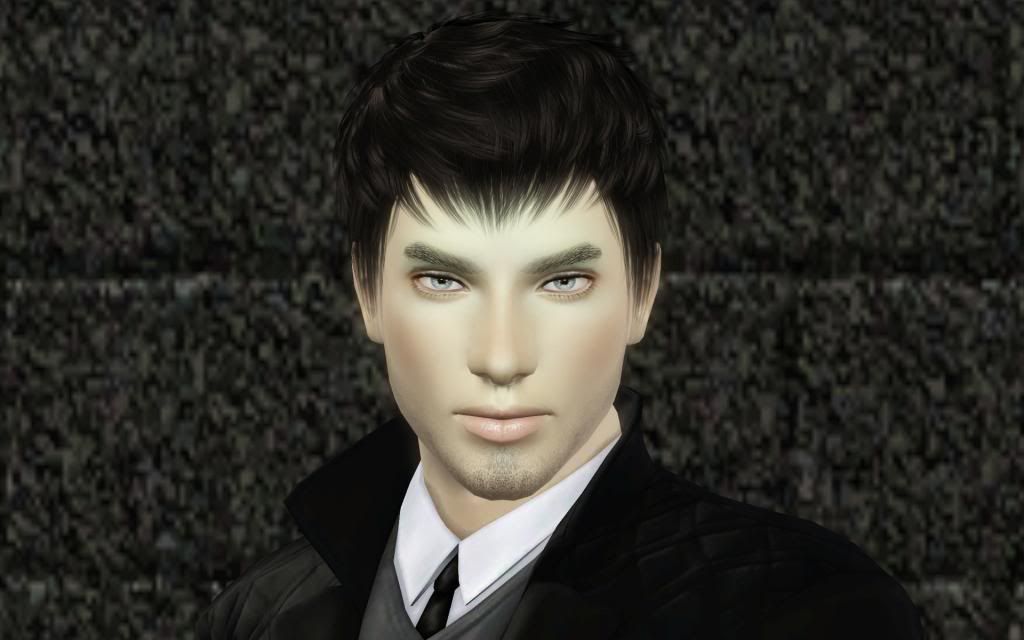
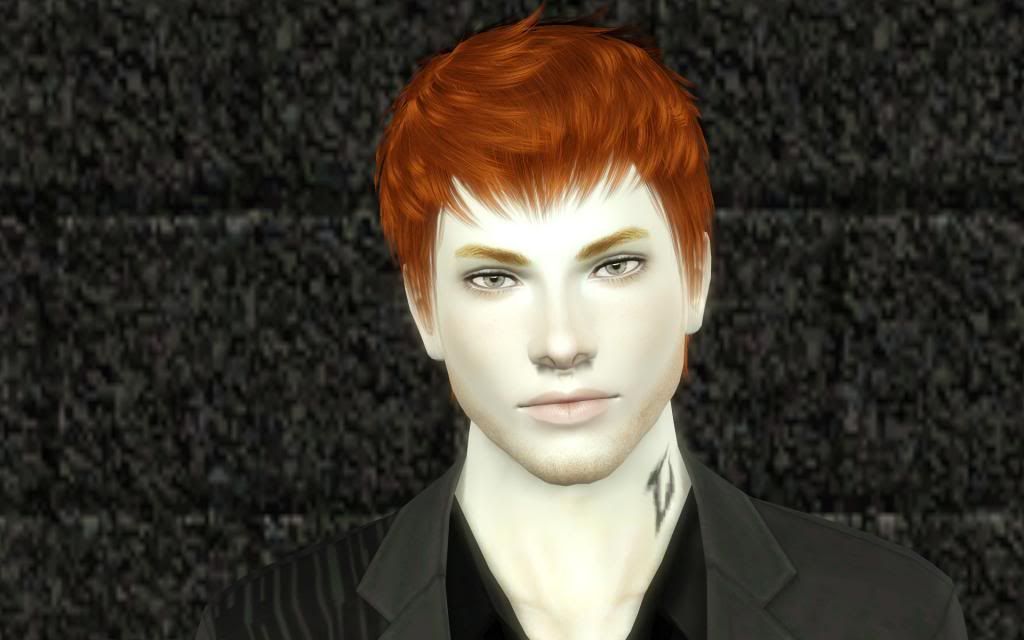
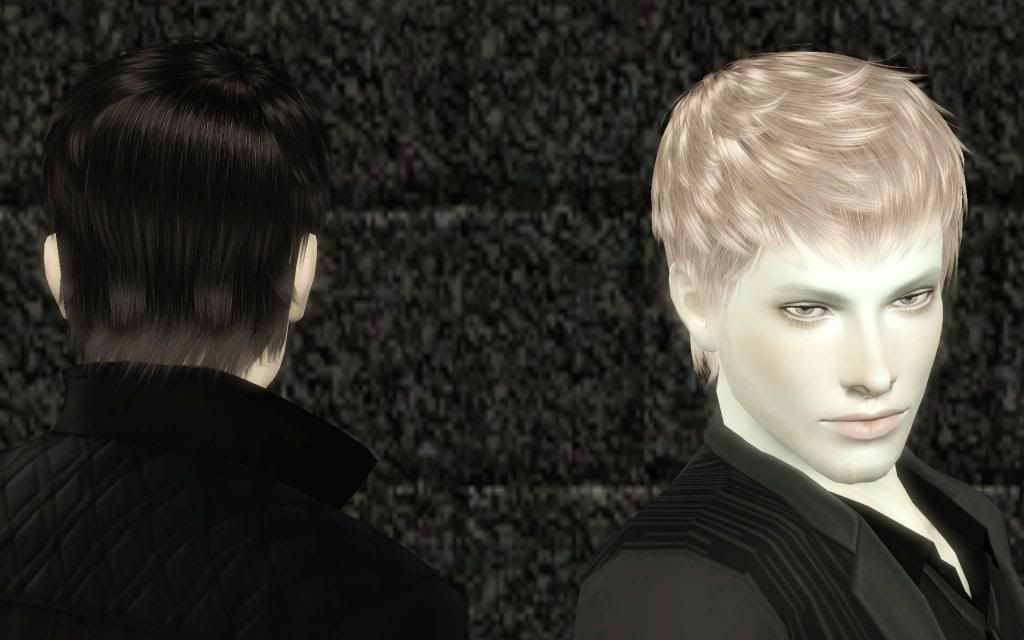
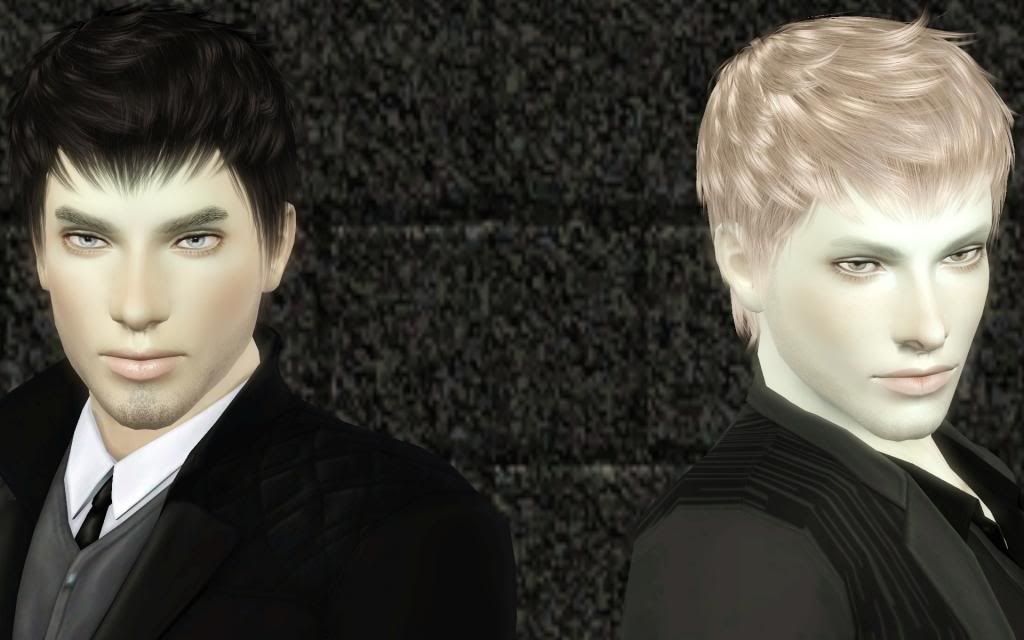
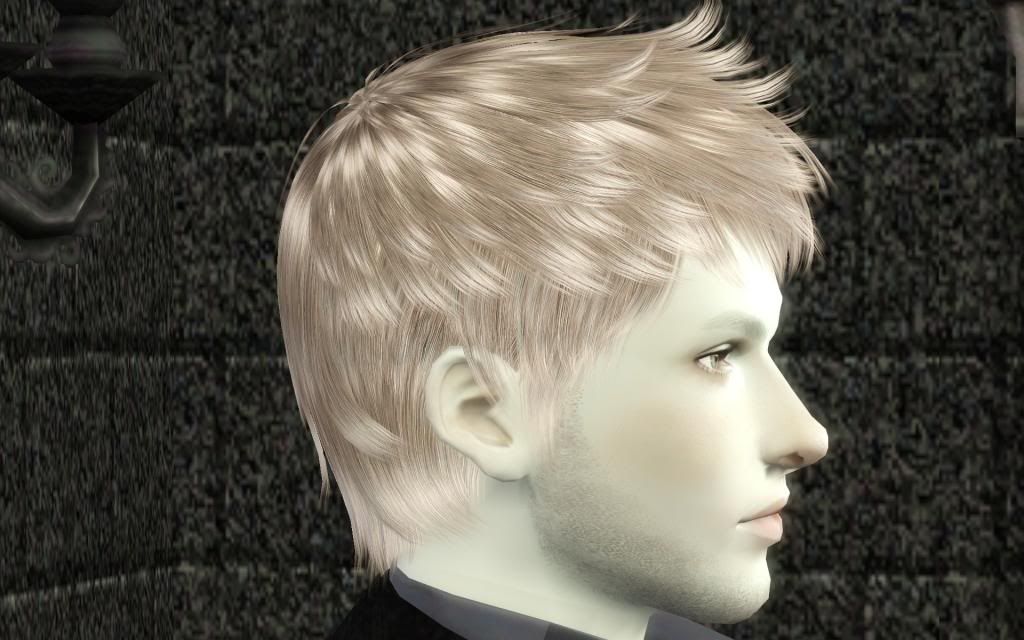
Meh. It looks better on lighter hair but still awesome on dark. :D
